Review
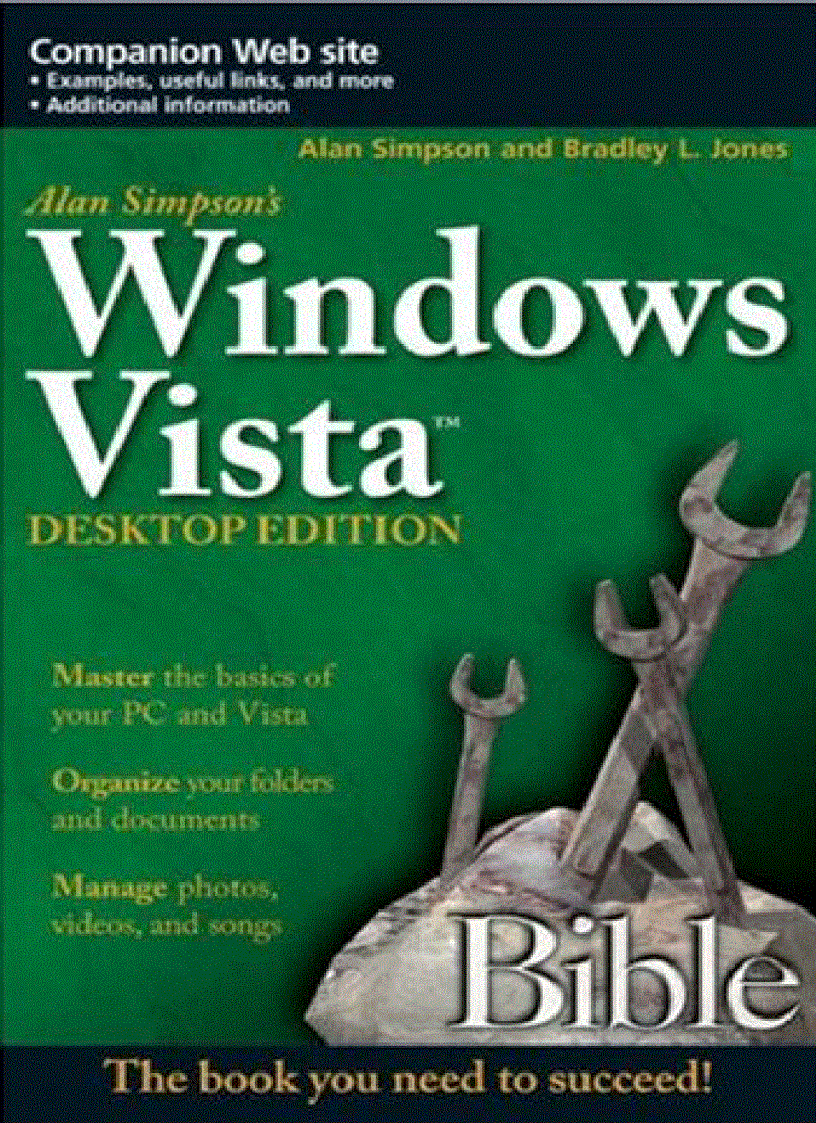
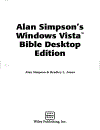
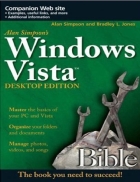
"You'll love this value-priced desktop Windows Vista Bible. Not only is it packed with the very best content from my Alan Simpson's Windows Vista Bible, I've also included extra sidebars to alert you to special Vista annoyances and surprises, plus a boatload of tips and workarounds you can use to deal with them. If you want to get a crash course in Vista—in fact, on PCs in general—this is the book you need." —Alan Simpson and Bradley L. Jones
Product Description
Check out the best of Windows Vista in this handy desktop-size resource. This convenient reference is drawn from the very best of bestselling author Alan Simpson’s Alan Simpson’s Windows Vista Bible. You’ll discover how to master the basics of PCs and operating systems, get started on Vista, and move ahead to multimedia, adding security, building a network, and more. You’ll even find special tips, workarounds, and advice on how to deal with Vista’s quirkier aspects.
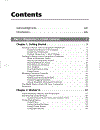
Part I: Beginner's Crash Course
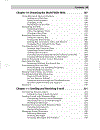
Chapter 1: Getting Started
Chapter 2: Workin' It
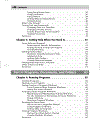
Chapter 3: Getting Help When You Need It
Part II: Programs, Documents, and Folders
Chapter 4: Running Programs
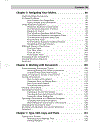
Chapter 5: Navigating Your Folders
Chapter 6: Working with Documents
Chapter 7: Type, Edit, Copy, and Paste
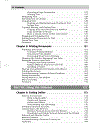
Chapter 8: Printing Documents
Part III: Using Internet
Chapter 9: Getting Online
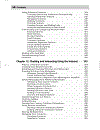
Chapter 10: Browsing the World Wide Web
Chapter 11: Sending and Receiving E-mail
Chapter 12: Chatting and Interacting Using the Internet
Chapter 13: Keeping It Safe
Part IV: Fun with Multimedia
Chapter 14: Using Your Camera and Scanner
Chapter 15: Playing with Pictures and the Photo Gallery
Chapter 16: Music and Video with Media Player 11
Chapter 17: Managing Music, Making CDs
Chapter 18: Making Home Movies
Part V: Getting Organized, Staying Organnized
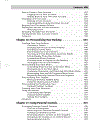
Chapter 19: Managing Files and Folders
Chapter 20: Finding Things on Your Computer
Chapter 21: Using Your Hard Drive
Chapter 22: Using Floppies, Thumb Drives, CDs, and DVDs
Chapter 23: Working with Compressed (Zip) Files
Chapter 24: Managing Your Time, Tasks, and Appointments
Part VI: Have It Your Way
Chapter 25: Creating and Managing User Accounts
Chapter 26: Personalizing Your Desktop
Chapter 27: Using Parental Controls
Chapter 28: Speech, Writing, and Other Accessibility Features
Chapter 29: Expanding Your System
Chapter 30: Disater Prevention and Recovery
Part VII: Connecting Your Computer
Chapter 31: Design and Create Your Own Network
Chapter 32: Sharing Things on a Network